


Global Search
Global Search lets you quickly find and navigate to any repository, folder, file, or AI chat in your InsightsHub workspace from a single search box — without having to browse through the navigation tree.
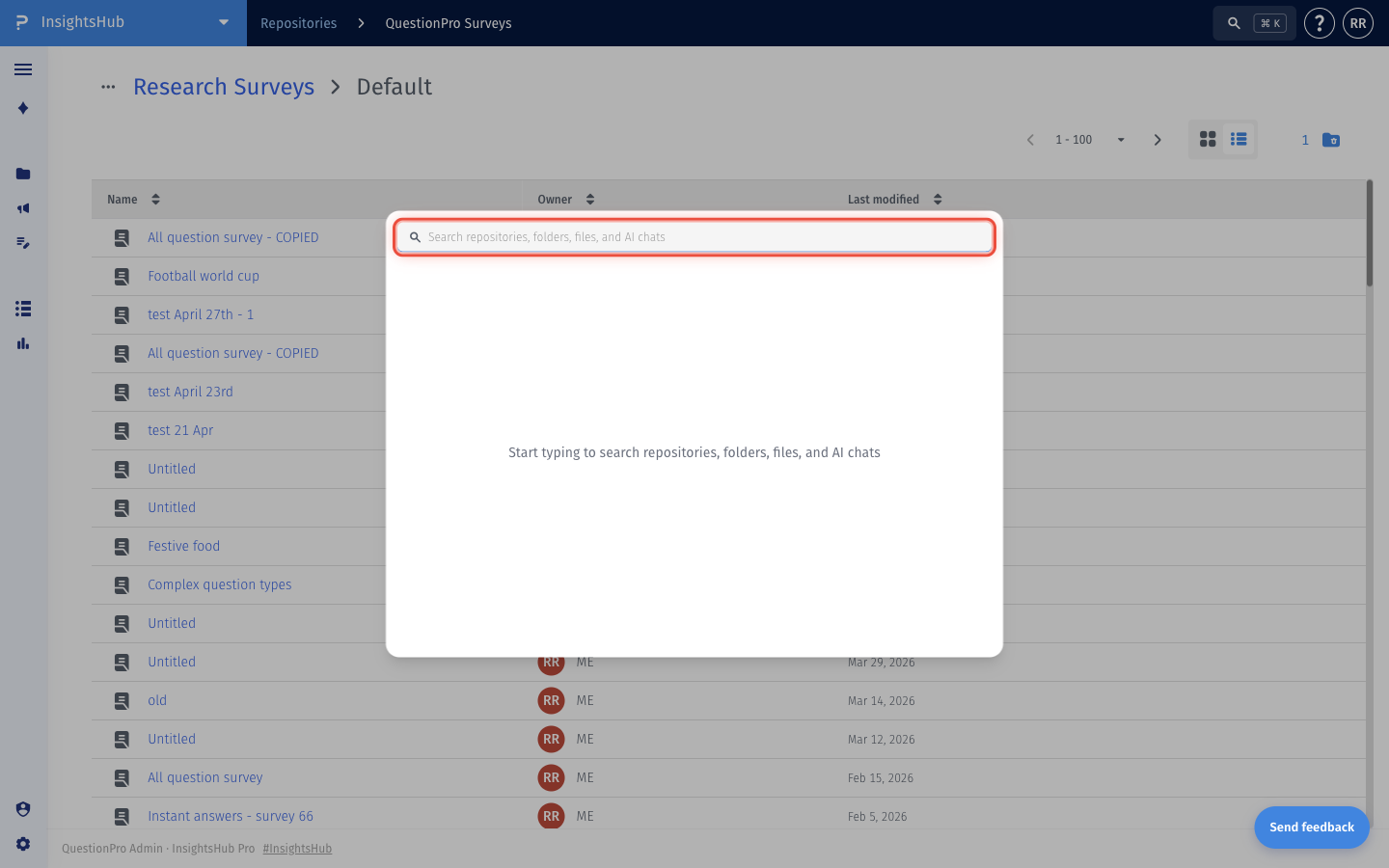
You can open Global Search from anywhere in InsightsHub using the search icon in the product header, or with the keyboard shortcut Cmd + K (Mac) / Ctrl + K (Windows). As you type, matching repositories, folders, files, and AI chats appear in the results list. Clicking on any result takes you directly to that item.How to use Global Search?
- Go to: Login » InsightsHub.
- In the product header (top right), click the Search icon, or press Cmd + K (Mac) / Ctrl + K (Windows) from anywhere in InsightsHub.
- The Global Search dialog will open. Start typing in the search input.
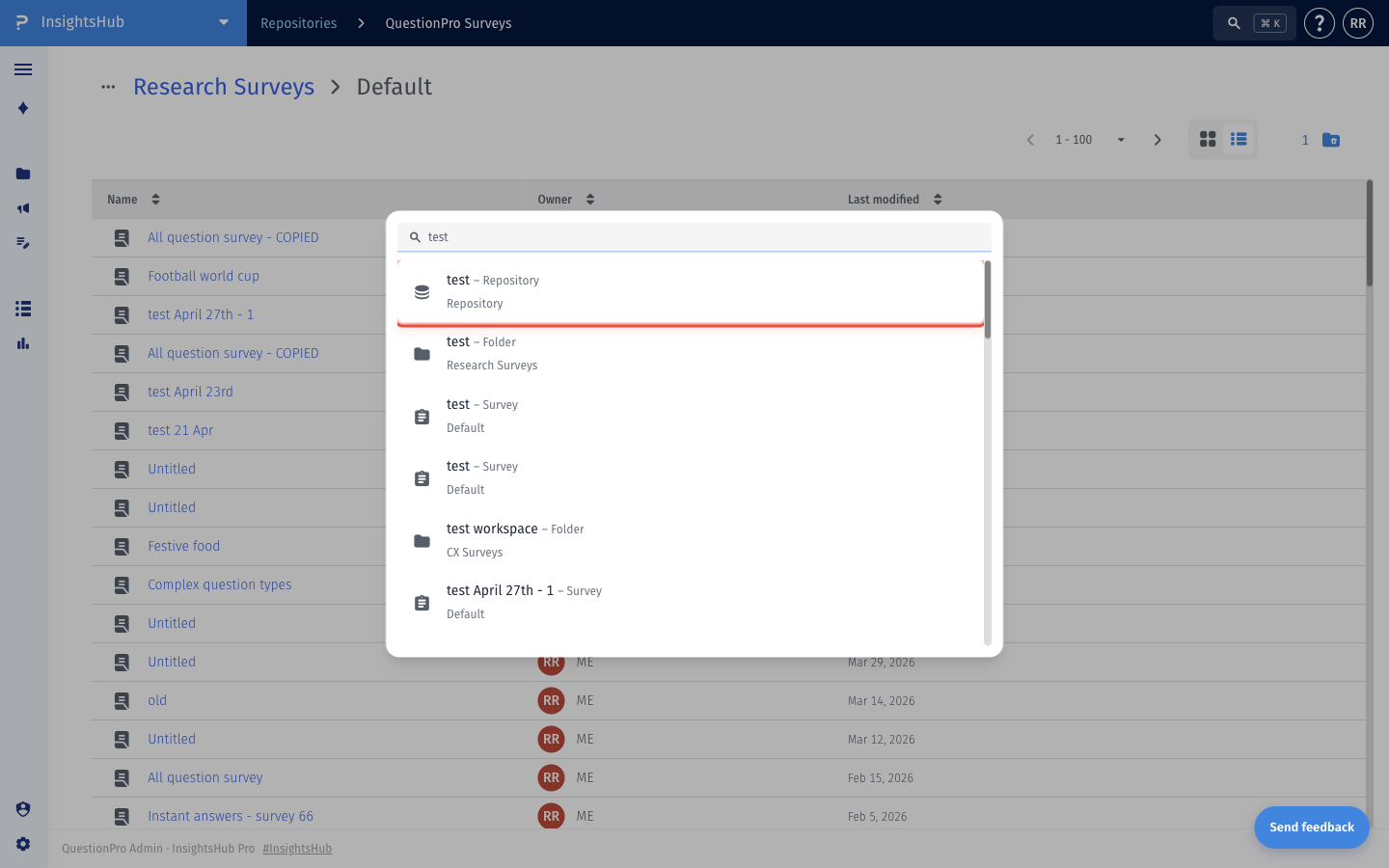
- Matching Repositories, Folders, Files, and AI chats will appear in the results list as you type. Each result shows its name, type, and parent location.
- Click any result to navigate directly to that item.

You may also be interested in...
